The layer between a website and its owner
The website defines its own CMS.
On Masthead, whoever builds a website also decides how it gets managed. The theme declares what its owner can change. Masthead turns that into the site's admin, then hosts, publishes and serves the site.
- Theme Declares what its owner can change, in its manifest.
- Masthead Builds the admin from that declaration, and runs the site.
- Owner Manages the content and the settings that matter. Nothing else.
Most CMSs come first.
On Masthead, the website does.
A typical CMS
- A generic CMS
- ships the same admin to every site
- A generic editor
- the website is fitted inside it
- The website
Masthead
- The website and its theme
- declares what needs managing
- Masthead
- builds the admin for that site
- A management experience made for this website
A typical CMS is a finished product, and every website has to fit inside it. Masthead reverses the order. The website comes first and tells Masthead what its owner should be able to manage. The admin follows from the website.
A theme is a website and the admin that goes with it.
A Masthead theme has Liquid templates, a stylesheet and a manifest.json.
The manifest is where the website says what can be managed. This is the theme
every site starts with, next to the admin Masthead builds from it.
"tokens": [
  { "key": "accent", "type": "color",
    "label": "Accent color", "category": "Appearance" },
  { "key": "favicon", "type": "file",
    "label": "Favicon", "category": "Appearance" },
  { "key": "show_search", "type": "boolean",
    "label": "Show post search", "category": "Posts" }
],
"post_options": [
  { "key": "featured_image", "type": "file",
    "label": "Featured image" },
  { "key": "seo_description", "type": "text",
    "label": "Search description" }
],
"page_options": [
  { "key": "layout", "type": "select",
    "options": ["contained", "wide"] }
]-
Settings
tokensdeclare site-wide settings like colours, sizes, images, switches and text. They come with labels, defaults and descriptions written by whoever built the theme. -
Content structure
post_optionsandpage_optionsadd fields to every post and page. If the theme declares none, that step of the editor doesn't exist. -
Page types
Page templates such as a gallery, a front page or a changelog each bring their own fields. The owner fills them in, and the template handles the layout.
In most CMSs, a new theme changes how the site looks while the admin around it stays the same. On Masthead the admin changes with the theme, because it is built from the theme.
The builder gets the complexity. The owner gets the simplicity.
Controls how it works
- Design in CSS and Liquid templates
- Structure: which page types exist and what goes in them
- Settings: what can change, with defaults and explanations
- The editing experience: the fields each post and page carries
- Behaviour: search, tags and navigation, if the theme exposes them
Gets what it takes to run it
- Content: posts and pages in Markdown or HTML
- Relevant settings, with the builder's explanations next to them
- Media: uploads, picked straight into the fields that use them
- Their domain, with HTTPS taken care of
- Their finished website, live when they publish
Owners can handle more. They just shouldn't have to understand how their website was built in order to manage it.
Everything around the definition.
A theme describes a website. Running that website takes more than templates. Masthead provides the rest, so a theme never has to.
-
Hosting
Every site is live on its own subdomain from the moment it is created, served over HTTPS.
-
Custom domains*
Point a domain at Masthead. It verifies ownership and provisions the TLS certificate.
-
Content storage
Posts, pages, tags and drafts are stored once and rendered by whichever theme is active.
-
Media
Uploads get thumbnails, can be compressed in the browser, and drop straight into theme fields.
-
Publishing
Drafts, publish dates, search, tag-filtered pages and a homepage of your choosing.
-
Many sites, one account
Each site has its own theme, content and domain, all from one dashboard.
-
Collaboration*
Invite people to a site and see who else is working in the admin, in real time.
-
Statistics*
Views and visitors per page, counted on the server with no cookies and no tracking script.
-
Discoverability
sitemap.xml, robots.txt, llms.txt and structured data are generated for every site.
-
Stable rendering
Renderers are versioned, so a site keeps rendering the way it did when it was built.
-
Imports
Bring in a Hugo site, or single Markdown and HTML files with their frontmatter.
-
Site license
Marked items come with a paid site license. Everything else is free on every site.
Same platform.
Different websites. Different admins.
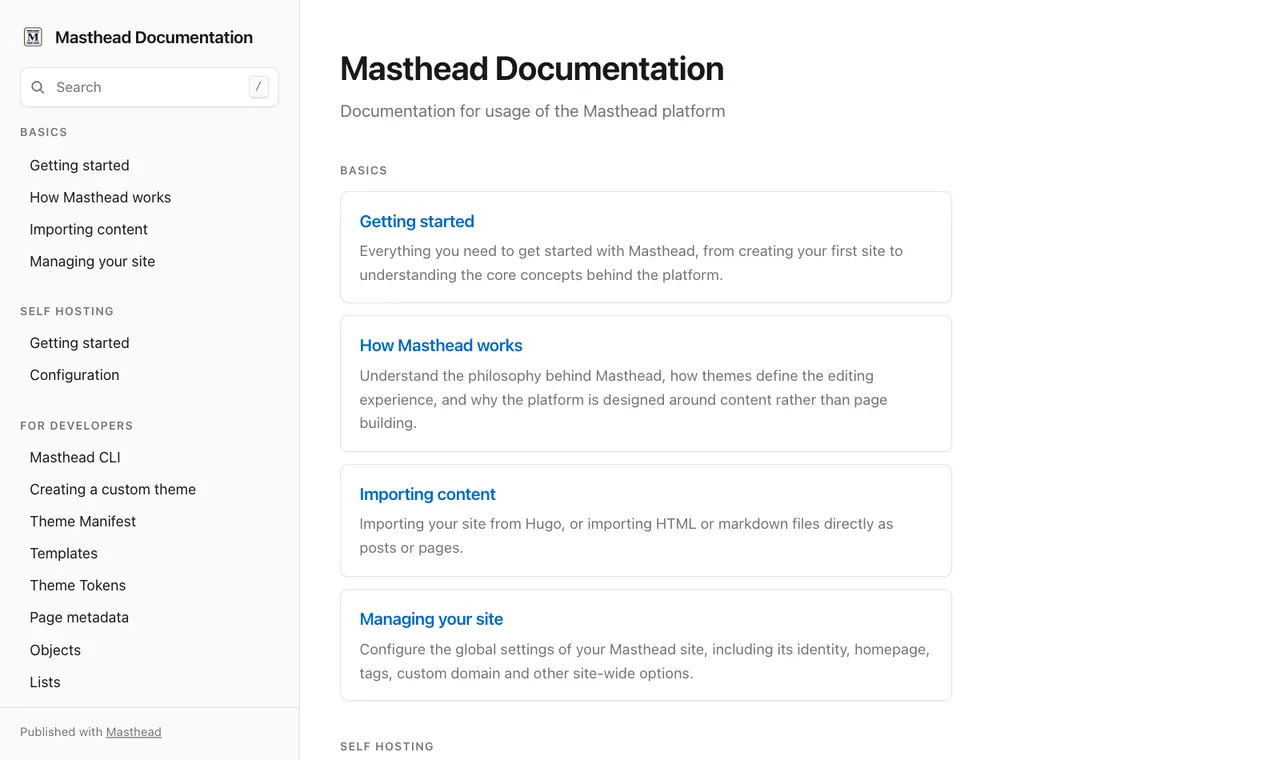
docs.masthead.site
Our documentation runs on Masthead with the Documentation theme. The theme declares 35 settings in six groups, plus one page type. A few of them:
- Brand
- Logo, Sidebar title, Version badge
- Sidebar
- Show search box, Post list, Custom list
- Content
- Show "on this page", Show previous / next links
- Page types
- Documentation index
-
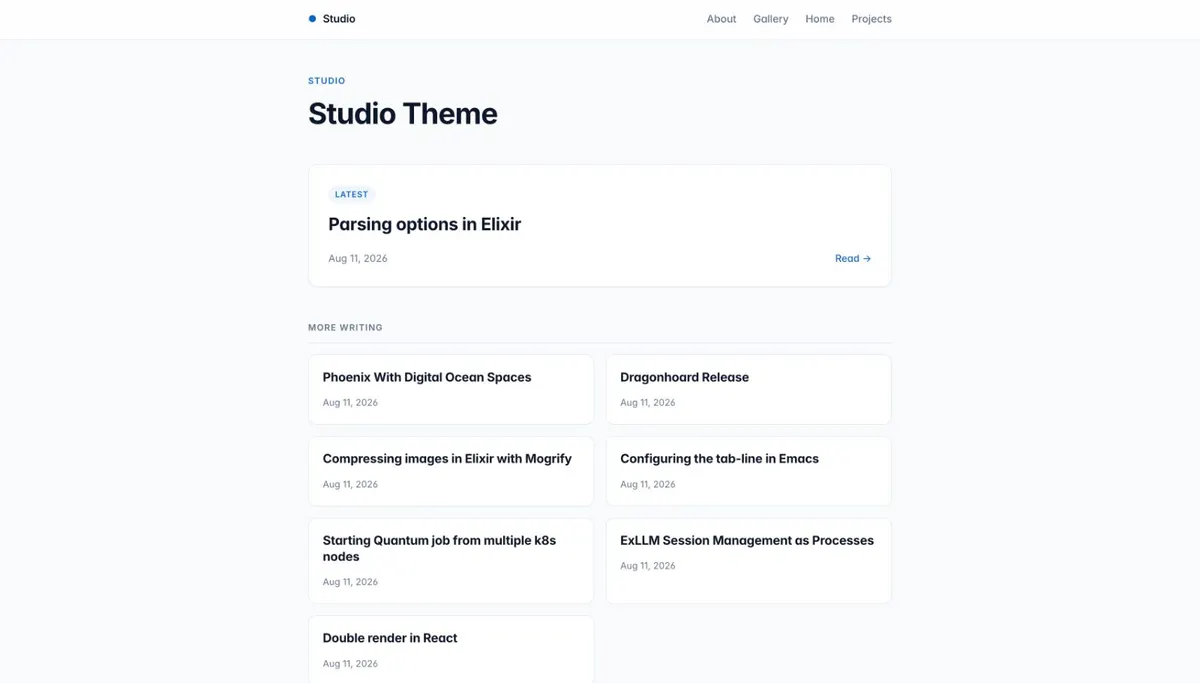 Studio Long-form writing
5 settings, no page types
Accent color, Content width
Studio Long-form writing
5 settings, no page types
Accent color, Content width
-
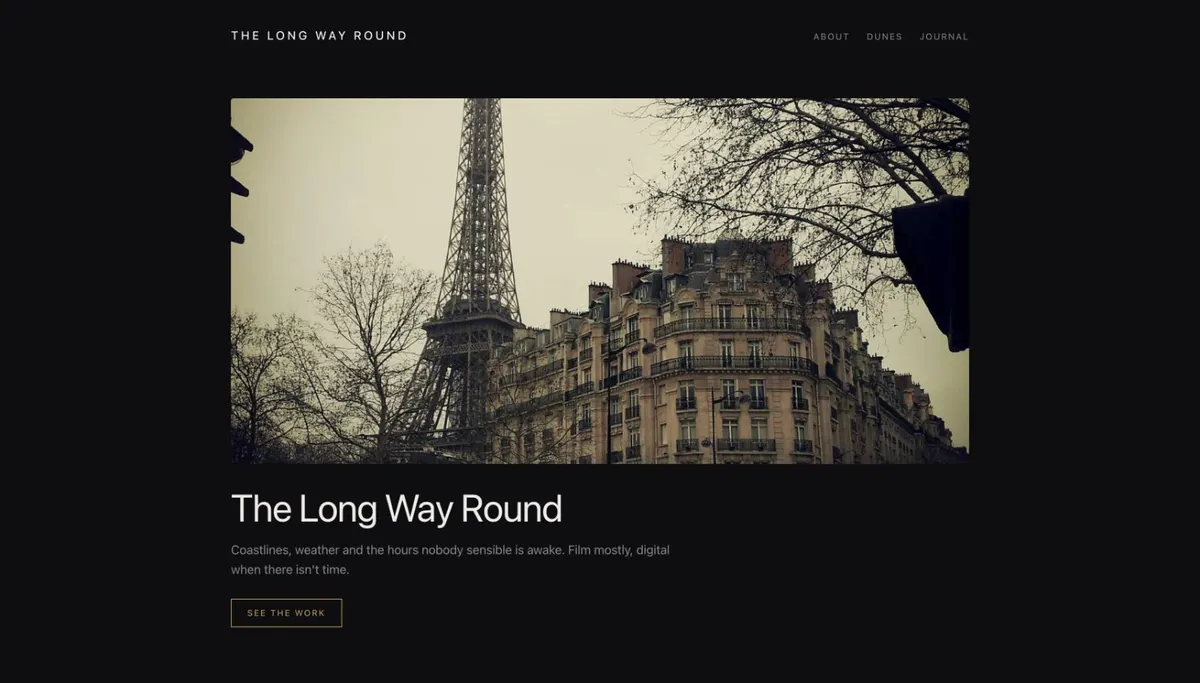 Halide Photography portfolio
7 settings, 3 page types
A Gallery page with a list of photos, each with caption and alt text
Halide Photography portfolio
7 settings, 3 page types
A Gallery page with a list of photos, each with caption and alt text
-
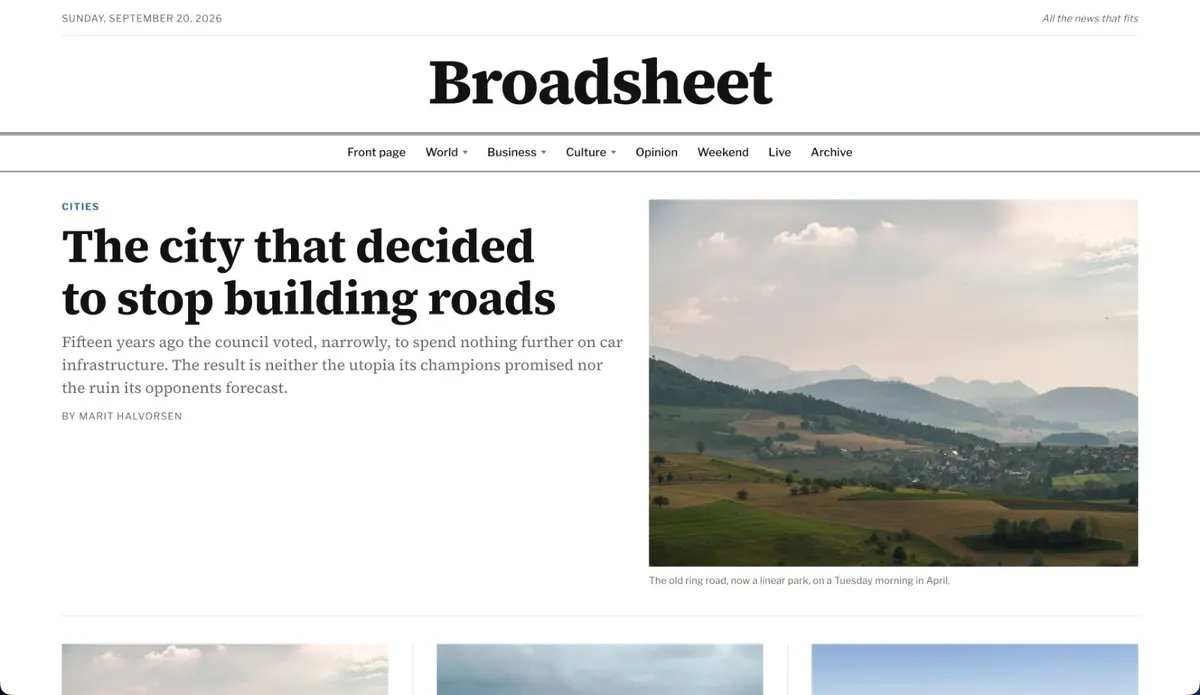 Broadsheet Newspaper
30 settings, 4 page types
Edition line, Drop cap on articles, Front page
Broadsheet Newspaper
30 settings, 4 page types
Edition line, Drop cap on articles, Front page
-
 Launch Software launch site
43 settings, 8 page types
Announcement bar, Changelog, Feature deep-dive
Launch Software launch site
43 settings, 8 page types
Announcement bar, Changelog, Feature deep-dive
Five settings or forty-three: the theme decides. Browse the marketplace →
Build it once. Hand it over.
-
Agencies and independent developers
Build the website, decide exactly what your client can change, connect their domain and invite them in. The templates stay with you. The client gets an admin that contains their website and nothing else.
-
Theme developers
Build a theme once and define its structure and editing experience in its manifest. Keep it for your own sites or publish it to the marketplace. Ship updates by uploading a newer version.
-
Site owners
Get a website whose admin already fits it. Write, upload and adjust what the theme exposes. There are no plugins to update and you never have to look at a template.
What Masthead deliberately doesn't do.
-
It isn't a page builder.
Owners fill in the fields a theme defines. They don't drag blocks around, because layout belongs to the theme.
-
It isn't an everything-CMS.
There is no plugin directory and no admin that grows with every install. Each site has one admin, shaped by its theme.
-
It isn't an application framework.
Themes render content in a sandbox. They can't query the database, run server code or touch the filesystem.
-
It isn't WordPress with a different interface.
New capability doesn't arrive as another checkbox. A website gets the controls its theme asks for.
We don't give site owners a thousand controls. The theme decides which ones they need.
Run it yourself, or read how it works.
Masthead is open source. You can inspect the code, build themes against it, change the platform, or run it on your own infrastructure: a Phoenix application with PostgreSQL, uploads on S3-compatible storage or local disk, and a Dockerfile included.
Questions
What is Masthead?
Masthead is the layer between a website and the person who manages it. A website's theme declares what its owner can change; Masthead turns that declaration into the site's admin and runs the site: hosting, domains, content storage and publishing.
How is Masthead different from WordPress?
A WordPress theme changes how a site looks inside an admin that stays the same, and new capabilities arrive as plugins. A Masthead theme also defines the admin: which settings exist, which fields posts and pages carry, and which page types can be created. There are no plugins, so the owner sees what the theme exposes and nothing else.
Can I build my own theme?
Yes. Start from the starter template, write the templates in Liquid, describe the settings in manifest.json and upload the zip. Keep it for your own sites or publish it to the marketplace.
Do I need to know how to code?
Not to manage a site: owners write in Markdown, or HTML if they prefer, and fill in the fields their theme provides. Building a theme takes HTML, CSS and Liquid.
Can an agency use Masthead for client websites?
That is one of the cases it's designed for. Build the theme, decide exactly what the client can change, connect their domain and invite them to the site. The client gets an admin that contains their website and nothing else. Custom domains, collaborators and statistics come with a site license.
Can I use my own domain?
Yes, with a site license. Point the domain at Masthead and it verifies ownership and provisions the TLS certificate. Every site also gets a free masthead.site subdomain with HTTPS.
See it from both sides.
Create a free site and pick a theme. Or write a theme and see the admin it produces.